


Portal Help
Welcome to the Thermostat Management Portal help center. Use the topic selector to jump directly to help for the page you are working with, or start here for a quick orientation to the portal. To view the full help library, you must be logged in. Before login, only Portal Overview and Login help topics are available.
Portal Overview
IMT550.com provides a centralized portal for monitoring and managing one or more Proliphix IMT550 and IMT350 thermostats from a single web-based dashboard.
The platform is designed for live thermostat visibility, one-time override scheduling, recurring event scheduling, and historical trend review so users can manage comfort and operating behavior across one or more locations.
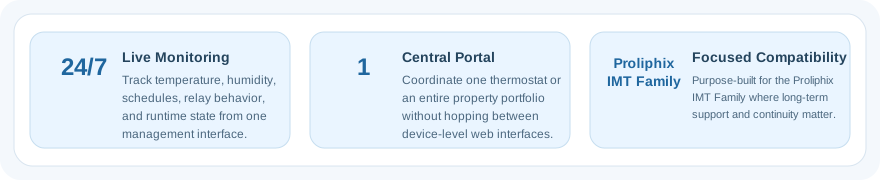
Key benefits include centralized thermostat management, multi-site visibility, remote schedule support through overrides and events, and historical reporting that helps users review how a thermostat performed over time.
Available features depend on access level and subscription type, but the core portal experience is built around dashboard monitoring, operational control, and account-based thermostat management.
Important Programming Note
The portal is not a replacement for the thermostat's own programmed settings and schedules. Each thermostat should still be configured locally with the appropriate operating setup and schedule behavior.
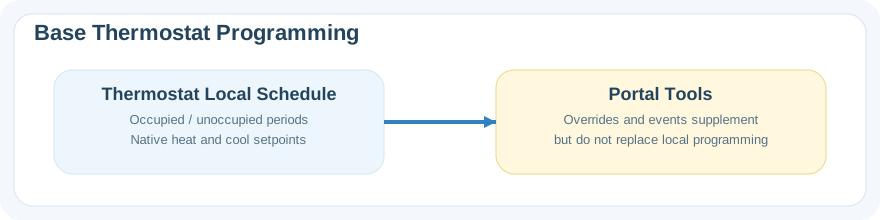
Dashboard tools are best used to override or supplement those native settings when needed, not to replace the thermostat's own programming as the primary control method.
When a portal override or event ends, the thermostat returns to whatever settings and schedule behavior are programmed in the thermostat itself.
If the thermostat location loses network or internet connectivity, the dashboard cannot push new changes or cancel existing portal-driven actions until communication with that thermostat is restored.
Common Tasks
Use Dashboard for day-to-day monitoring and most thermostat actions.
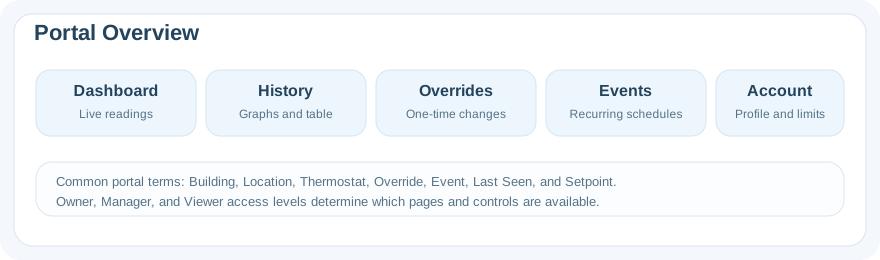
Use History to review recent temperature, humidity, and operating-state behavior.
Use Overrides for temporary changes over a defined start and end time.
Use Events for recurring weekday or annual-date schedules.
Use Account to manage your own profile and, depending on access level, account-level actions.
Need More Help?
If the help topic for your page does not answer your question, please use the Support link in the header to contact the support desk.
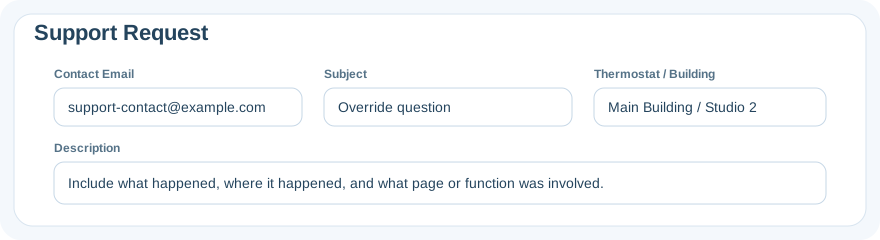
For account-specific assistance, include as much detail as possible about the thermostat, building, page, and action you were attempting.